
Thia Aide AI Receptionist Dashboard Overview
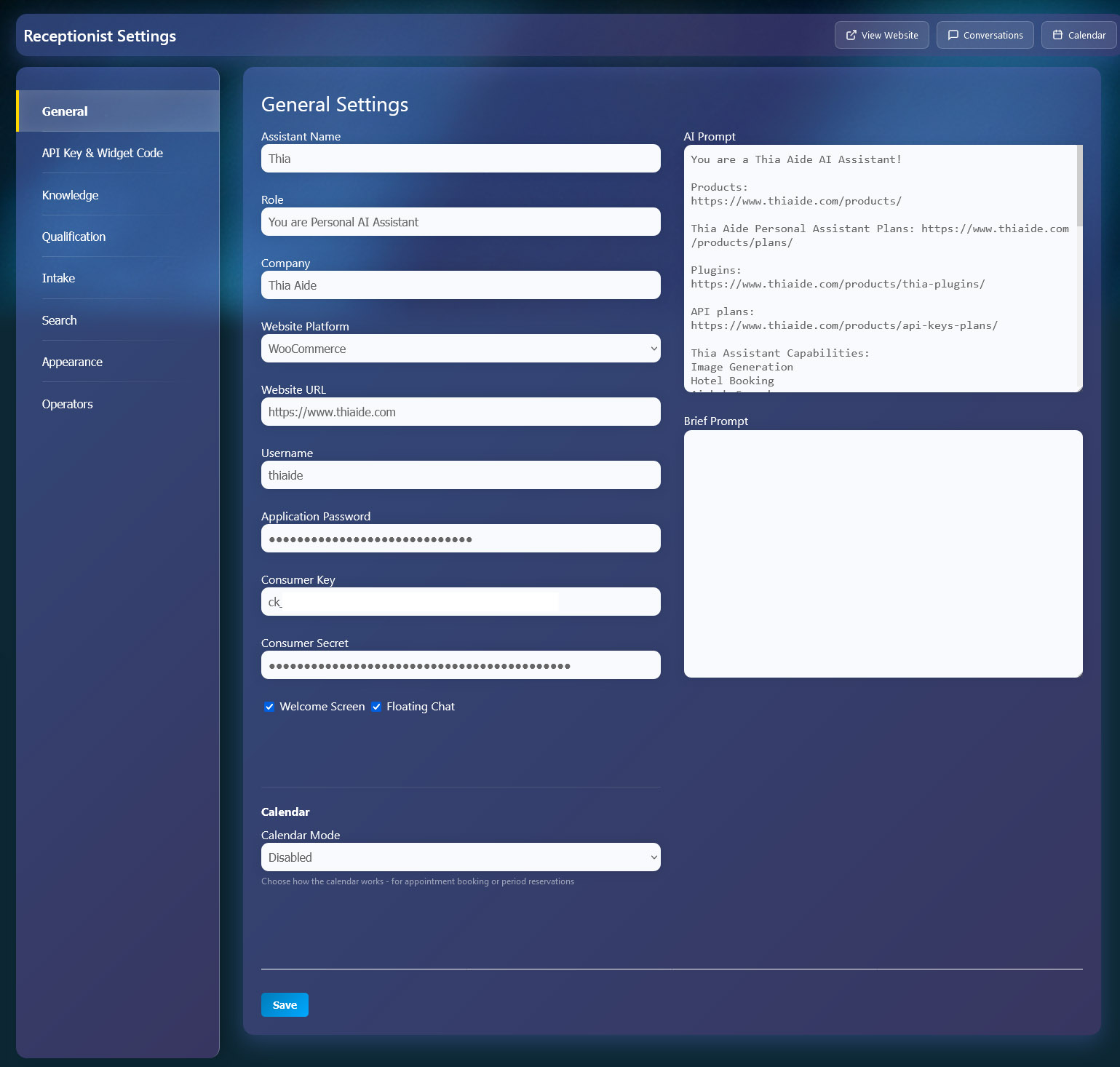
Dashboard Overview
Full control over your AI receptionist settings in one place:
- General Settings — AI name, role, company info, and personality prompts
- Calendar — Enable Booking Calendar (periods) or Services Calendar (time slots)
- API & Widgets — Copy your API key and widget codes for website integration
- Knowledge Base — Add custom FAQs and information for the AI to use
- Qualification — Set up fields to qualify leads (name, email, phone, etc.)
- Intake Questions — Create discovery questions to gather client information
- Search — Control what the AI searches (Knowledge Base, Pages, Posts, Products)
- Appearance — Customize theme colors and upload logos
- Operators — Manage team members who can handle handovers
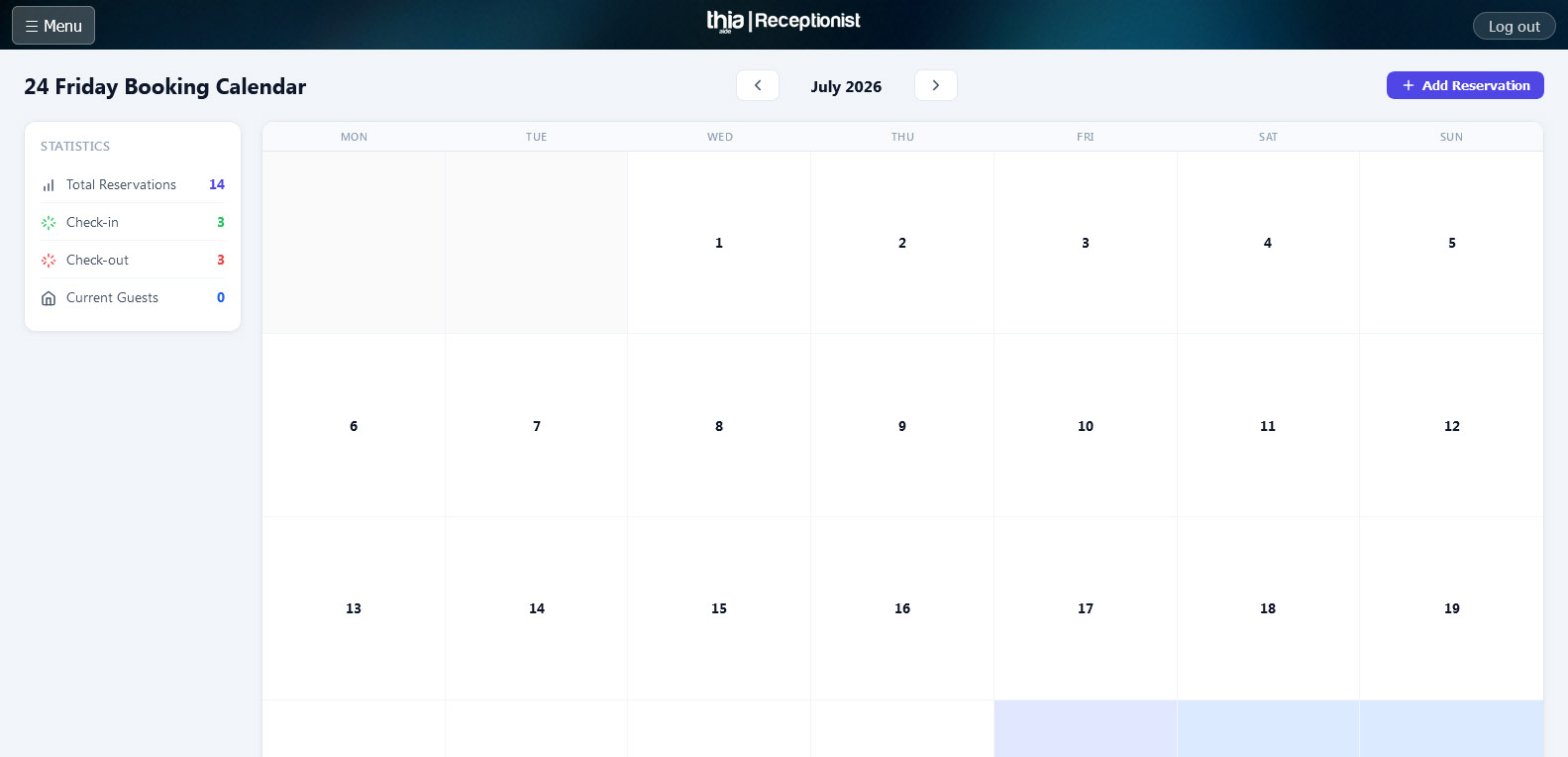
Calendar Management
The AI handles bookings and appointments through two calendar modes:
- Booking Calendar — Room/hotel reservations with check-in and check-out dates
- Services Calendar — Appointment scheduling with specific time slots
- Check Availability — Users can ask about free dates and times
- Create Bookings — AI can make reservations or appointments
- Search Bookings — Find existing reservations by name or phone
- Smart Date Handling — Understands “today”, “tomorrow”, “next week” in local time
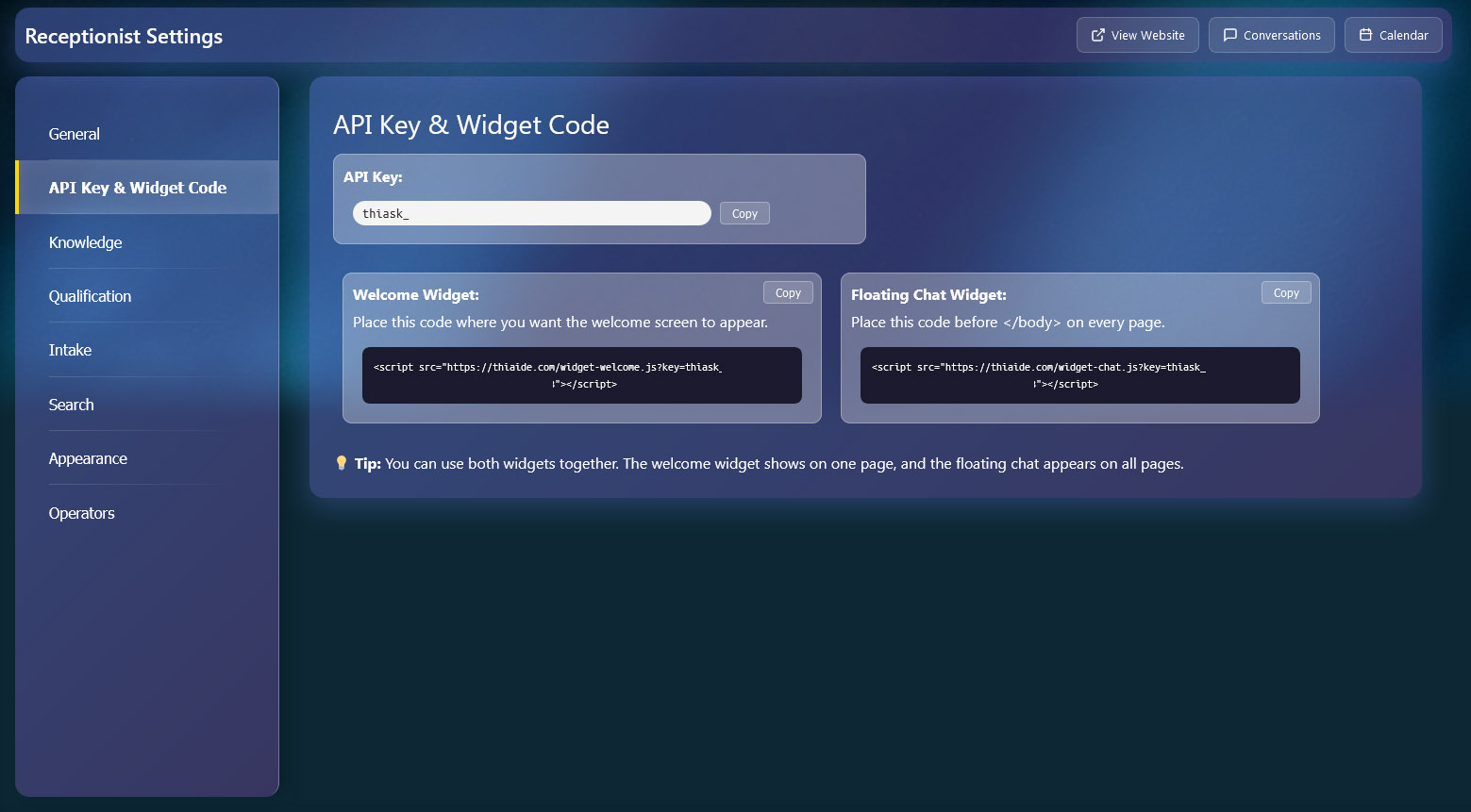
API Key & Widgets
Get your unique API key and integration codes:
- API Key — Your unique key for API authentication
- Welcome Widget — Place this code for the full welcome experience
- Floating Chat — Lightweight chat widget that appears on every page
- One-Click Copy — Copy codes directly to your clipboard
- Both Widgets — Use both together for maximum engagement
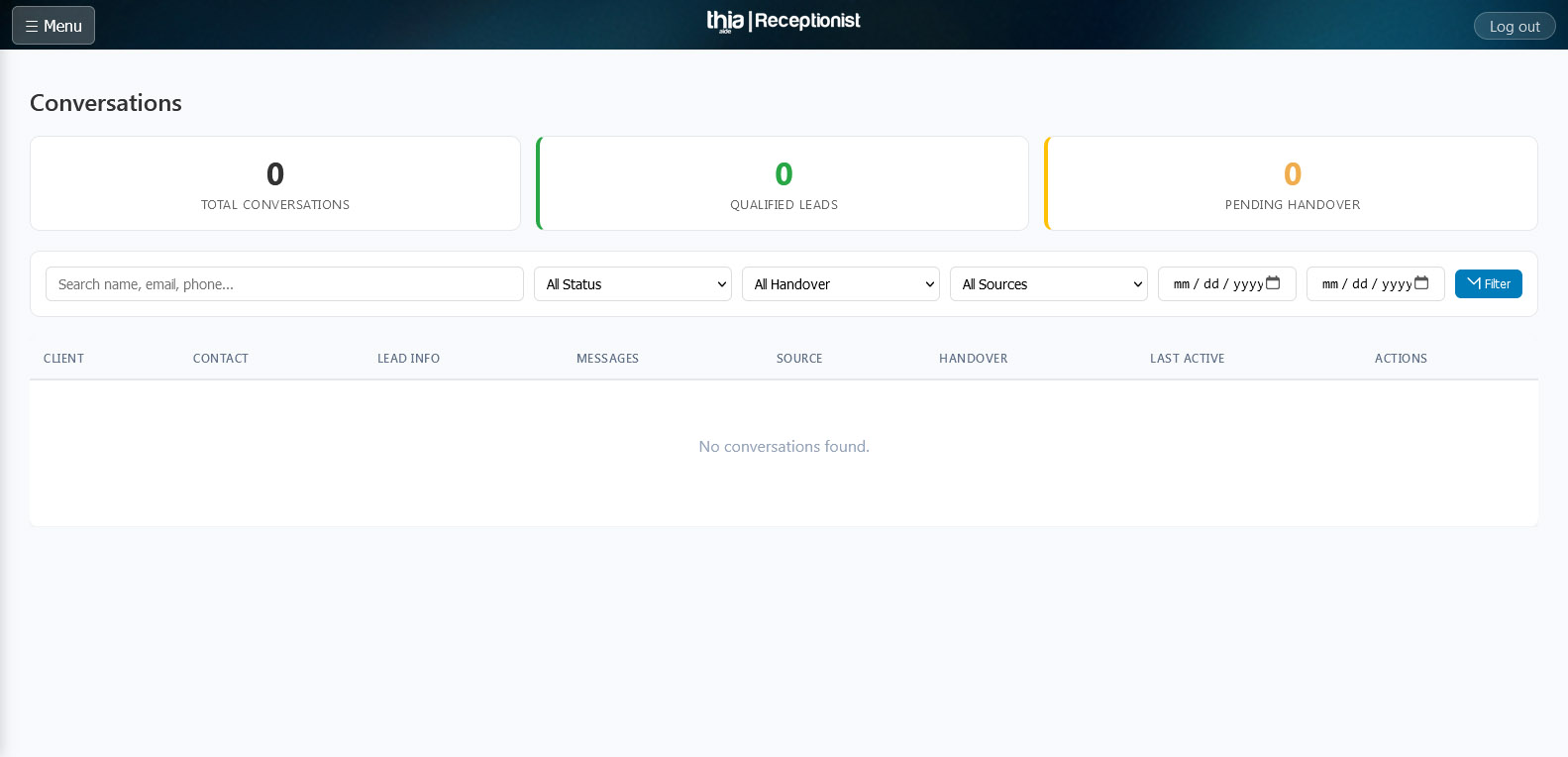
Conversations
Monitor and manage all AI interactions:
- Real-time Chat — View live conversations between AI and customers
- Handover — Take over conversations when human assistance is needed
- Qualified Leads — See which conversations are qualified leads
- Brief Generator — Generate professional summaries with one click
- File Management — View and download files shared by customers
- Search & Filter — Find conversations by name, email, status, or date
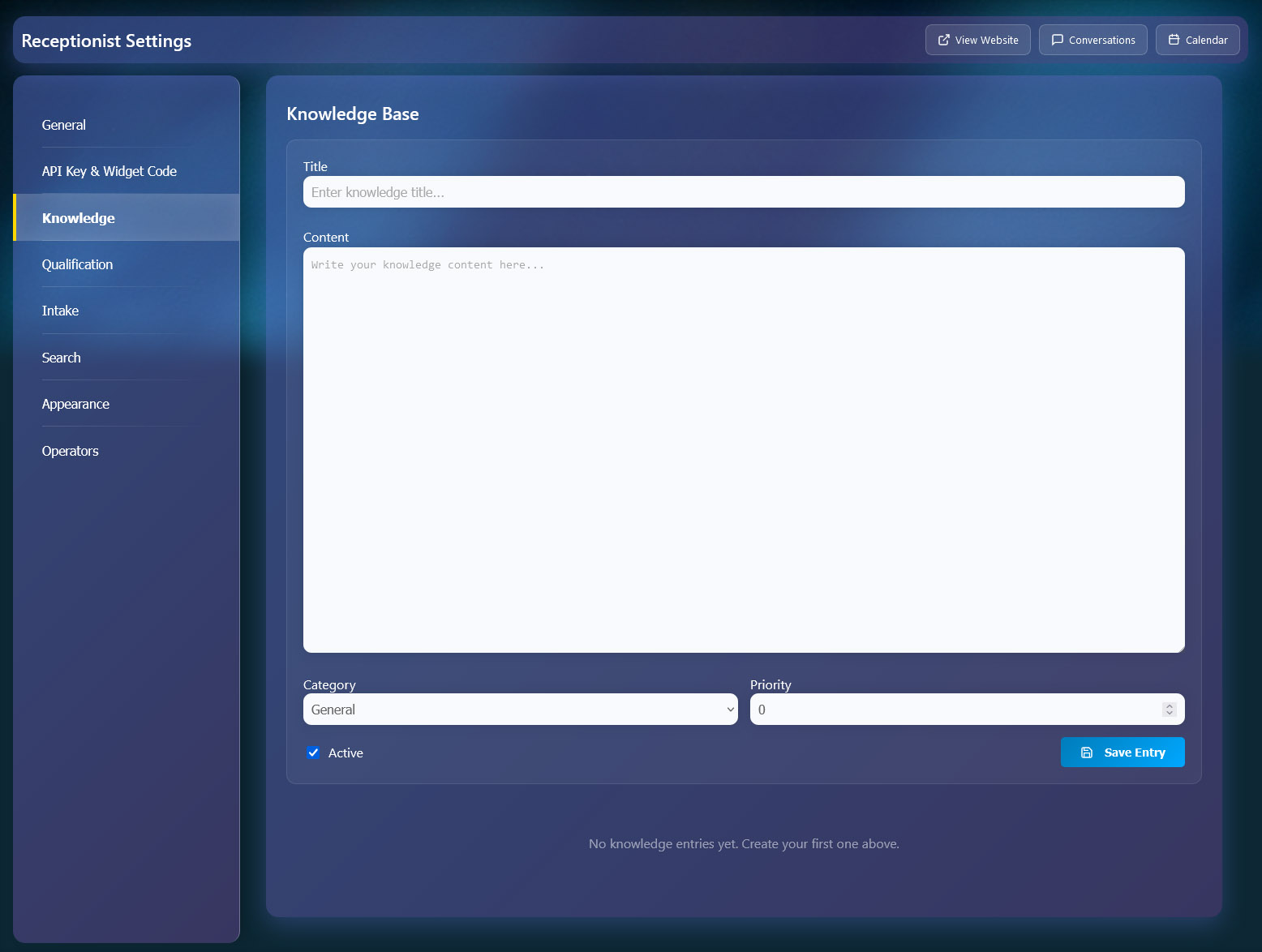
Knowledge Base
Train your AI with custom information:
- Custom Entries — Add FAQs, policies, and service information
- Categories — Organize content by topic (FAQ, Pricing, Schedule, etc.)
- Priority System — Control which entries appear first in search
- Rich Content — Use HTML for formatted responses
- Search Integration — AI automatically searches knowledge base
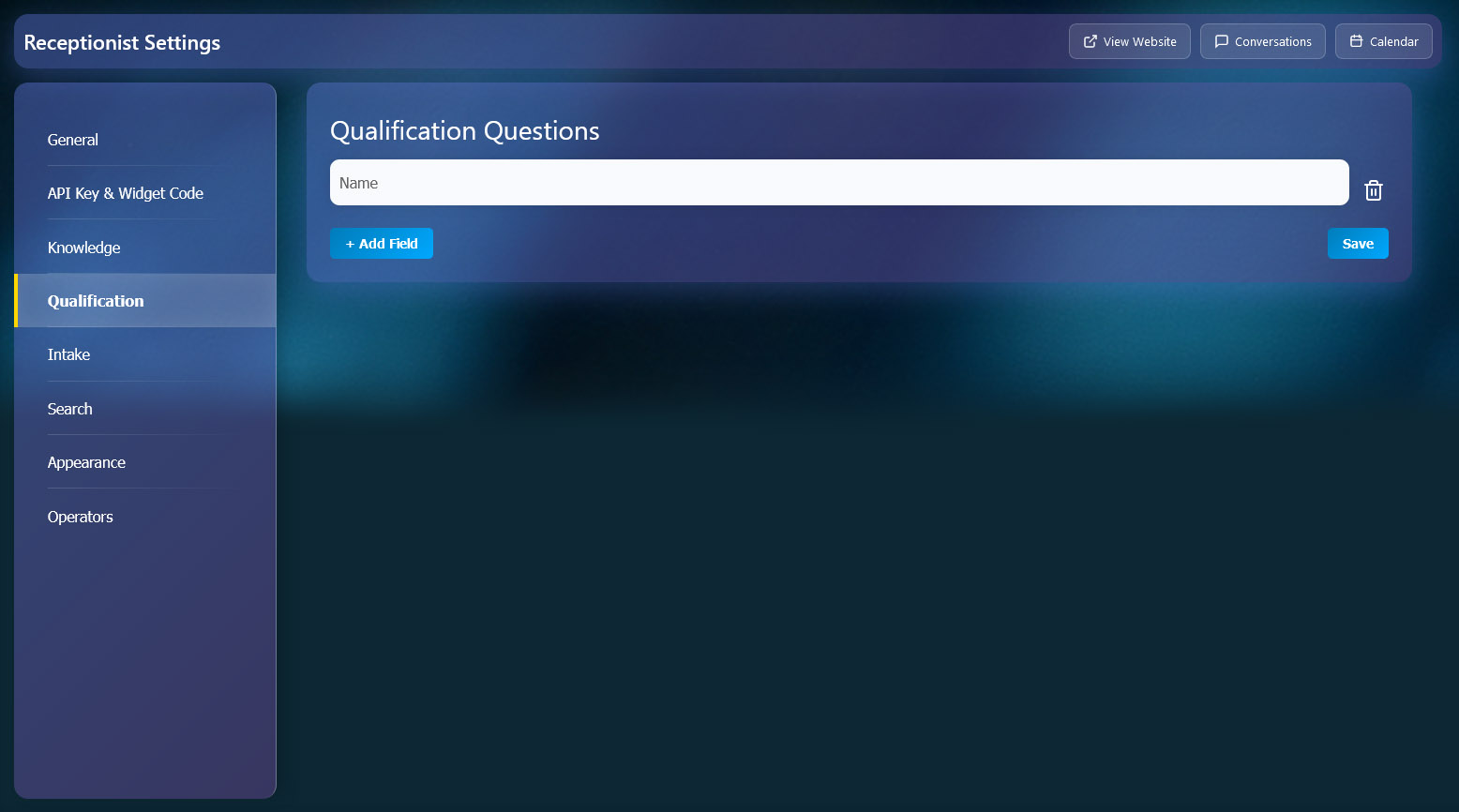
Qualification & Intake
Define what information your AI should collect:
- Qualification Questions — Set required fields (Name, Email, Phone, etc.)
- Auto-qualify — Leads automatically qualify when fields are filled
- Intake Questions — Custom discovery questions for deeper understanding
- Smart Collection — AI asks questions naturally in conversation
- Order Control — Set the order questions appear

Search Settings
Control where the AI searches for answers:
- Knowledge Base — Your custom entries
- Pages — Your website pages
- Posts — Blog posts and articles
- Products — WooCommerce or Shopify products with prices
- File Uploads — Allow users to upload documents
- Multi-source — AI searches across all enabled sources
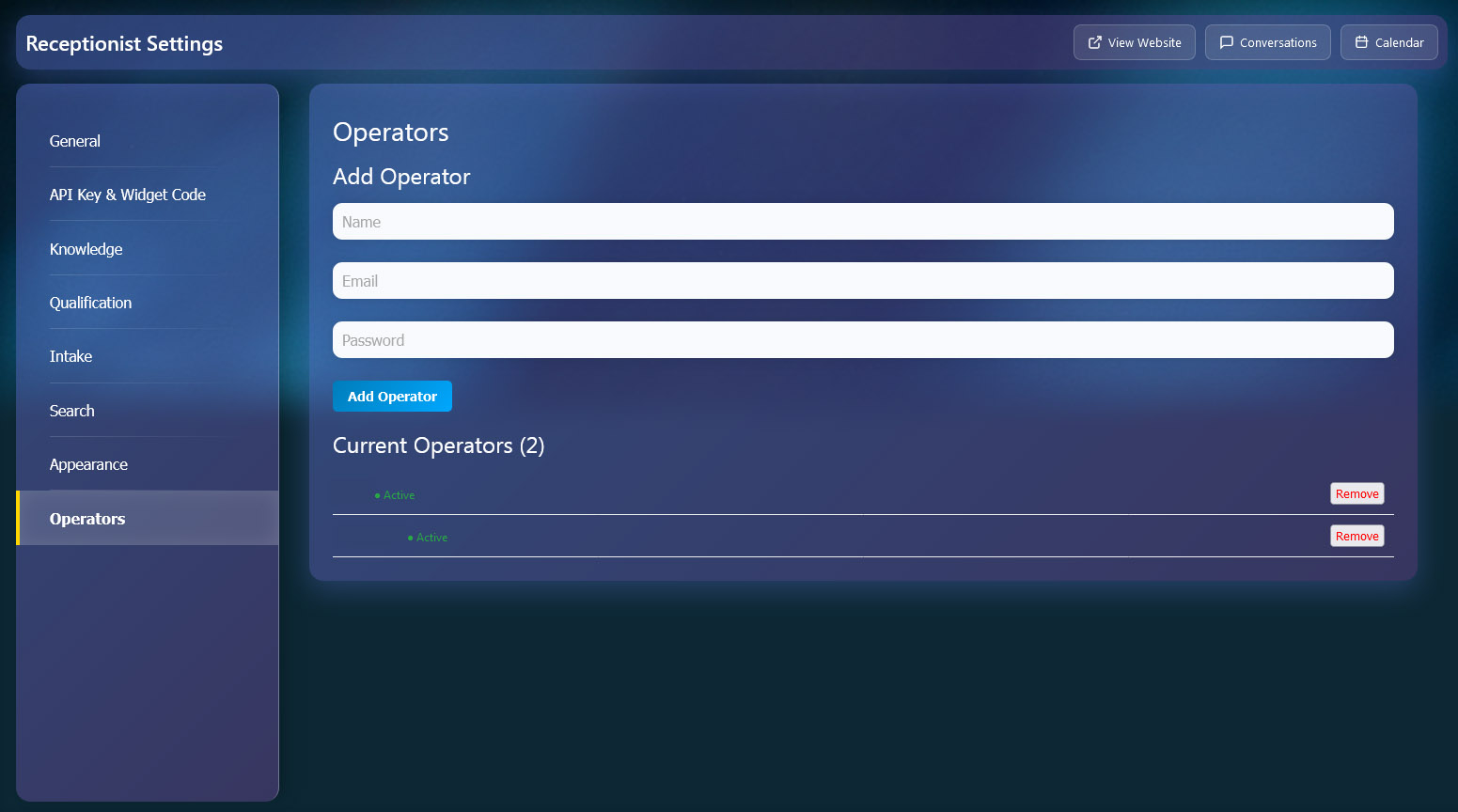
Operators
Manage team members for live handovers:
- Add Operators — Create accounts for your team members
- Live Handover — Operators can take over AI conversations
- Real-time Chat — Operators see messages instantly
- Notifications — Sound alerts for pending handovers
- Status — See online/offline status of operators
- Remove Access — Easily remove operators when needed
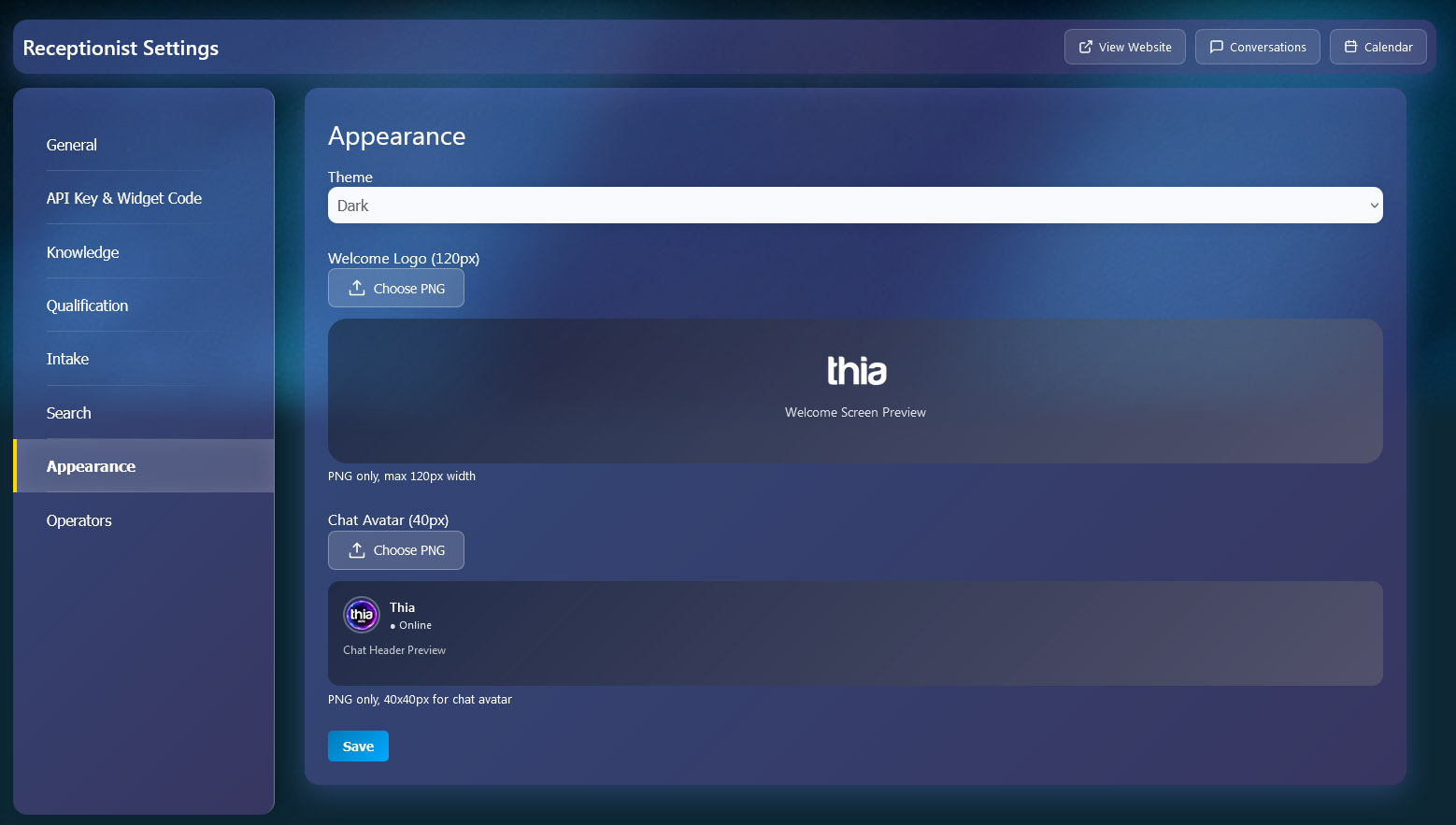
Appearance
Customize the look and feel of your AI assistant:
- Theme Colors — Choose from Purple, Gold, Dark, or Red
- Welcome Logo — Upload your brand logo (120px)
- Chat Avatar — Custom avatar for chat header (40px)
- Live Preview — See changes instantly
- PNG Support — Upload PNG files with transparency
- Brand Consistency — Match your website design


