
Thia Aide AI Assistant – Contacts Management
Thia Aide AI Assistant – Contacts Management
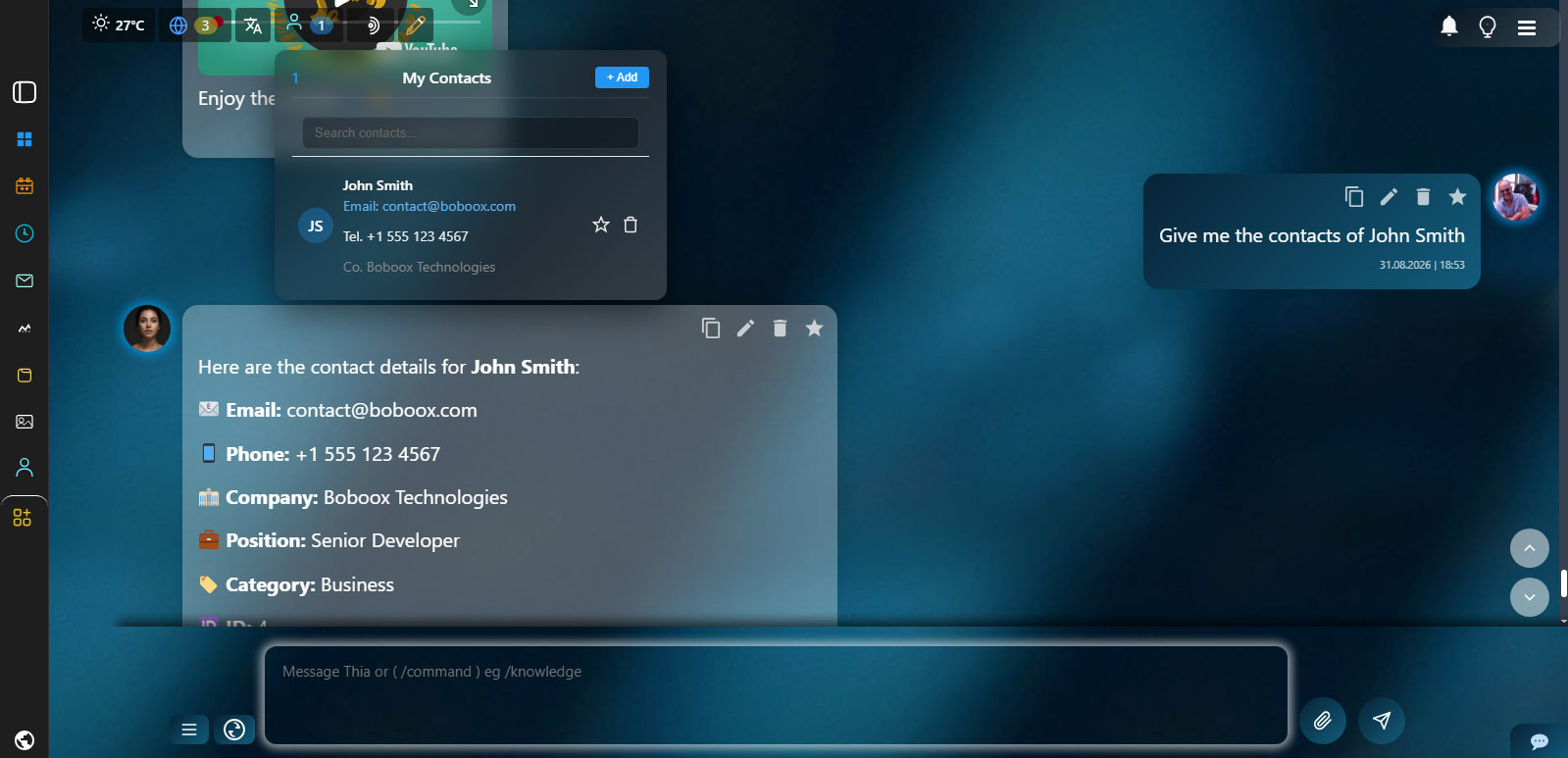
Contacts Management
The AI manages your contacts with full CRUD operations and email integration:
- Add Contacts — Save new contacts with name, email, phone, company, position, and category
- Search Contacts — Find contacts by name, email, phone number, company, or notes
- Update Contacts — Modify any contact information including name, email, phone, and category
- Delete Contacts — Remove contacts from the database when no longer needed
- Send Emails — Send emails directly to contacts with AI-generated personalized content
- Contact Categories — Organize contacts as personal, business, client, partner, supplier, or other
- Favorite Contacts — Mark important contacts as favorites for quick access
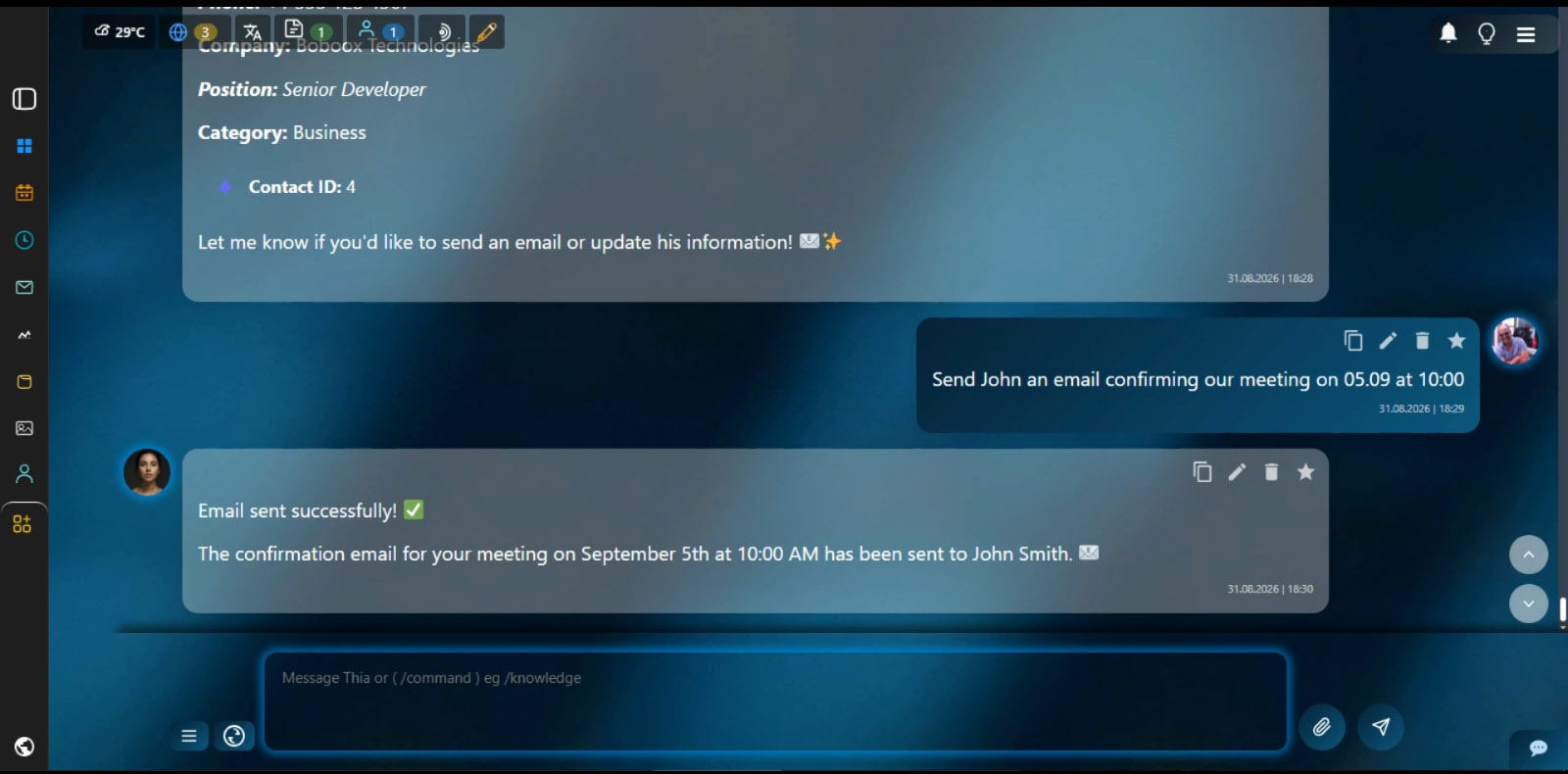
Email Integration
Send professional emails to your contacts with AI-powered content generation:
- Smart Email Generation — AI writes personalized emails based on your instructions
- Contact Email Lookup — Automatically finds the contact’s email from your database
- Auto-Signature — Adds your professional signature from your email account
- Multi-Language Support — Send emails in English, Bulgarian, or any preferred language
- Personalized Greetings — AI introduces itself as your personal assistant
- Subject Generation — AI creates relevant subject lines if not specified
- SMTP Delivery — Emails are sent through your configured SMTP account
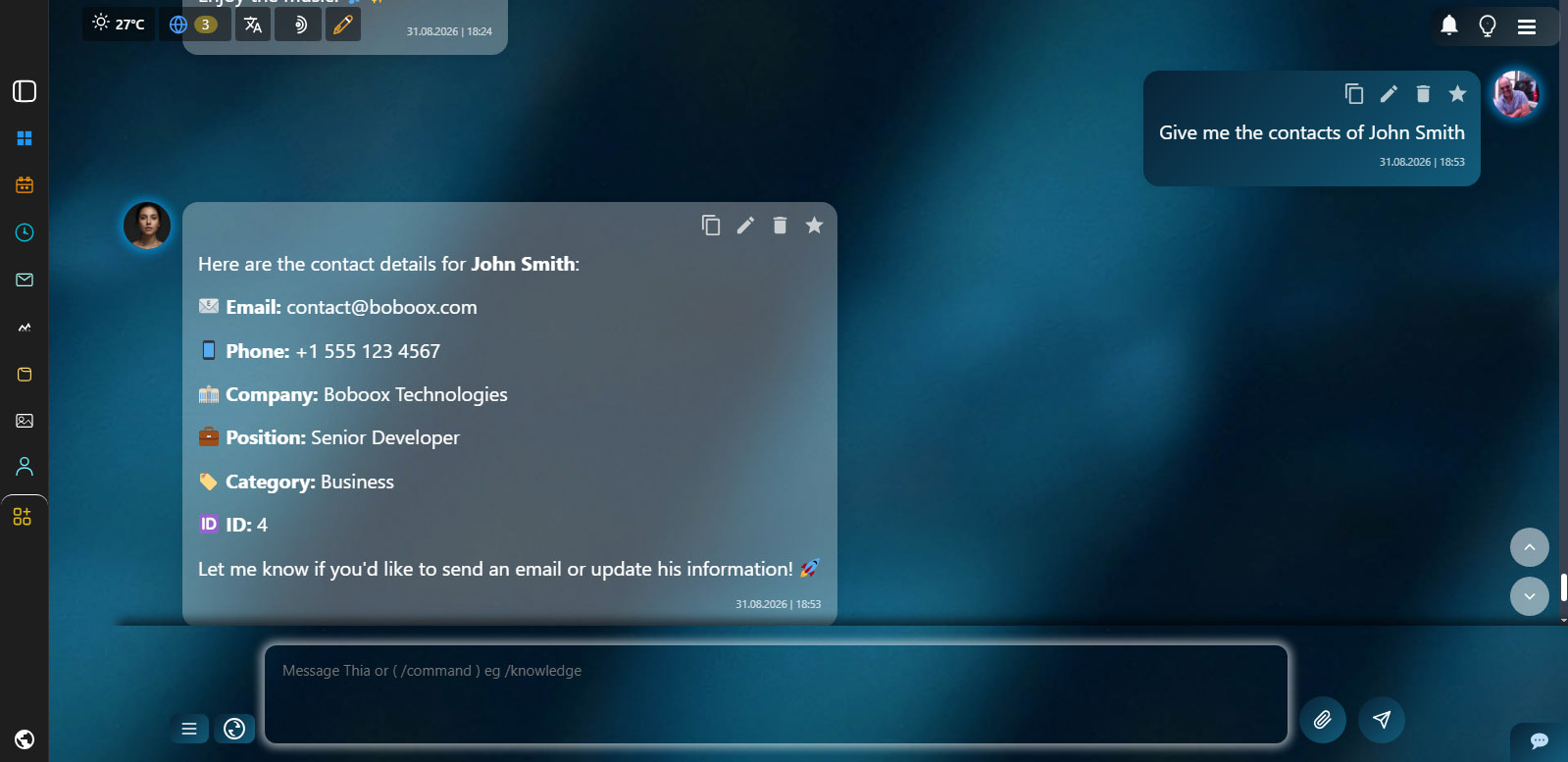
Smart Contact Search
Find any contact instantly with powerful search capabilities:
- Multi-Field Search — Search across name, email, phone, company, and notes simultaneously
- Partial Matches — Find contacts even with partial or misspelled information
- Category Filter — Filter results by contact category (personal, business, client, etc.)
- Favorite Priority — Favorite contacts appear first in search results
- Contact ID Access — Use contact ID for quick updates or email actions
- Quick Actions — Send email or update contact directly from search results
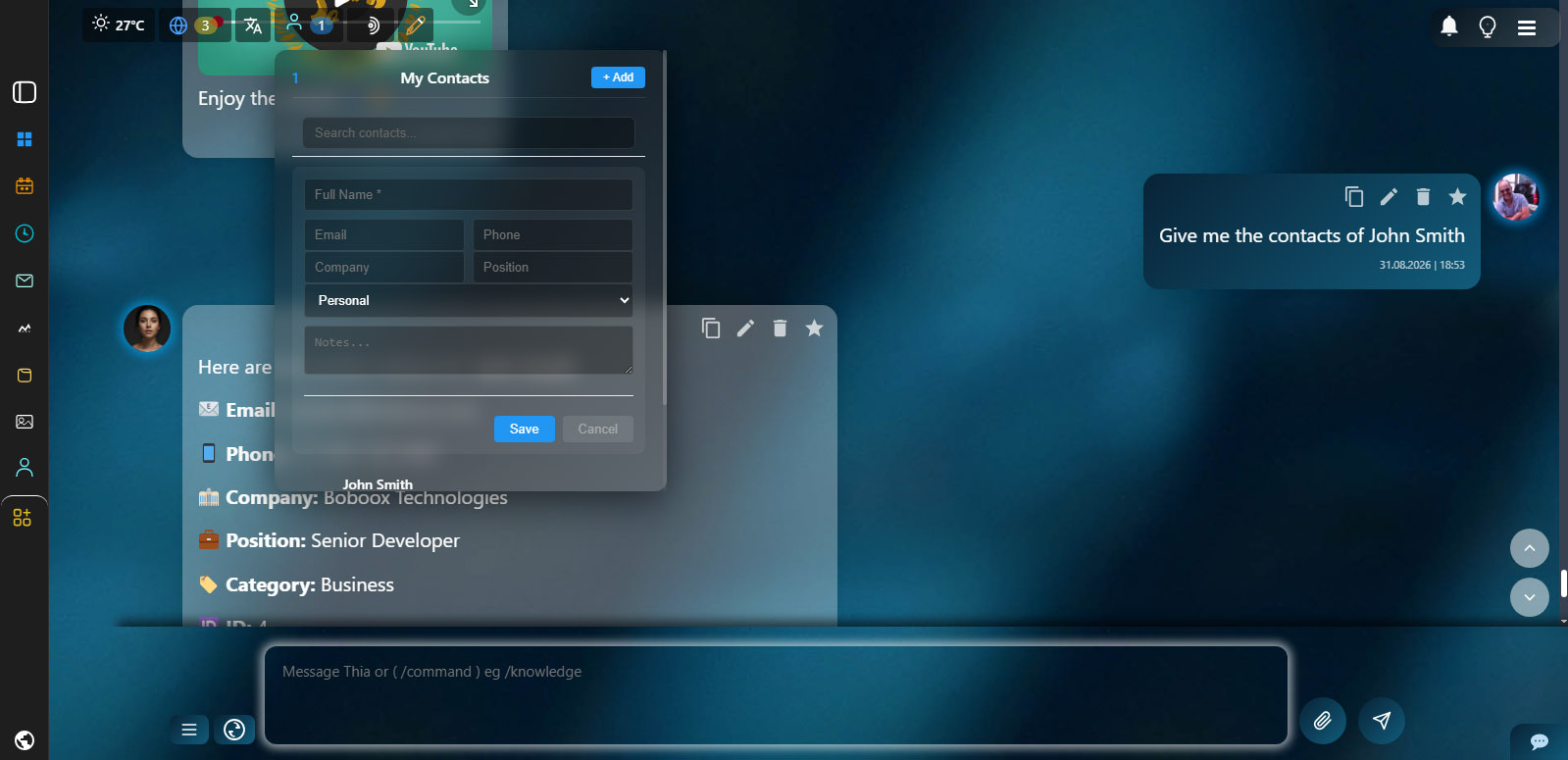
Data Management & Security
Your contact data is organized, secure, and always accessible:
- Secure Database — All contacts are stored in your private database
- Email Validation — Automatic validation to ensure correct email formats
- Duplicate Prevention — Prevents duplicate contacts by email address
- Update History — Track when contacts were created and last updated
- Client-Specific Data — Each client has their own separate contact database
- Delete Protection — Confirmation and validation before deleting any contact


