
Thia Functionality Find nearby places
Nearby Places Feature
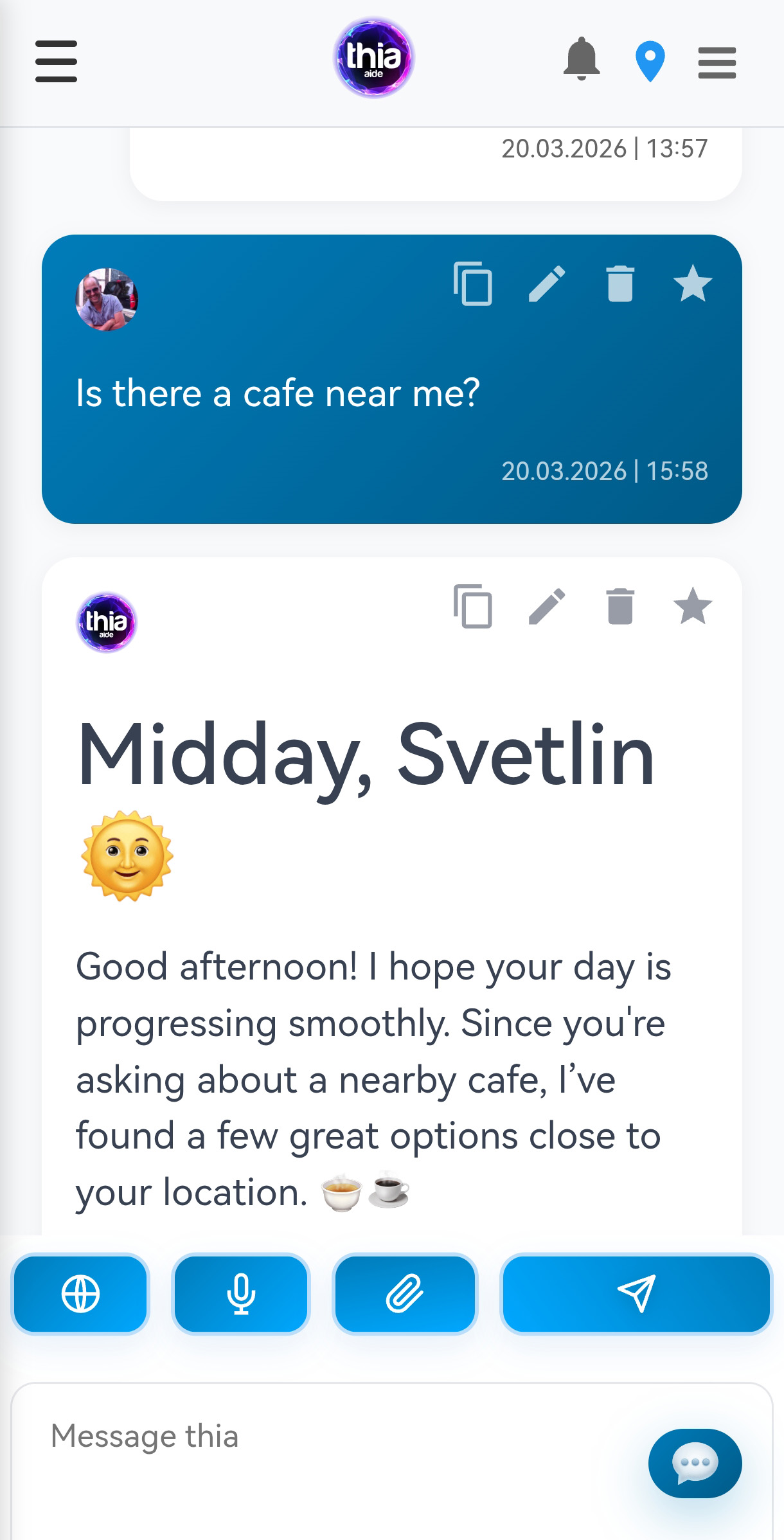
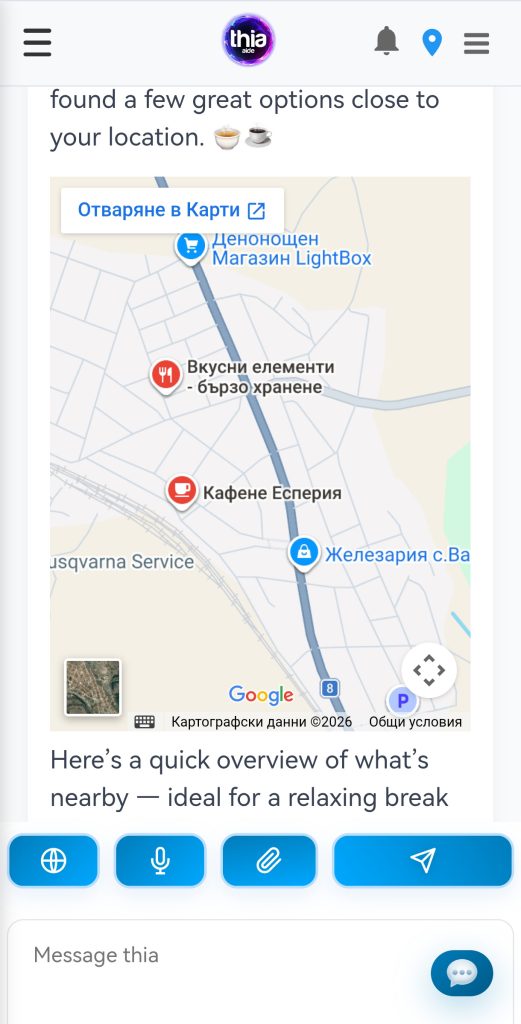
The Nearby Places feature allows you to discover cafes, restaurants, shops, hotels, and other points of interest around your current location. The Thia assistant will generate an interactive Google Maps view showing the places you’re looking for.
How It Works
- Automatic location detection – Uses your current location (requires location permission)
- Smart radius adjustment – Automatically sets the search distance based on your request
- Interactive map – Displays an embedded Google Map with all relevant places
- Context-aware zoom – The map zoom level adjusts automatically based on the search radius
Examples
Example 1: Find cafes nearby
“Show me cafes near me”
→ Returns a map with cafes within 1km (default radius)
Example 2: Specify a custom radius
“Find restaurants within 2 kilometers”
→ Returns a map with restaurants within 2km radius
Example 3: Search for specific place types
“Are there any hotels around here?”
→ Returns a map with nearby hotels
Example 4: Different place categories
“Show me pharmacies nearby”
“Find gas stations within 5km”
“Where can I find a supermarket?”
“Looking for a park in the area”
→ Each returns a map with the specified place type
Supported Place Types
You can search for any type of place, including:
- Food & Drink: cafe, restaurant, bar, bakery, fast food, pizzeria
- Shopping: supermarket, shop, pharmacy, mall, bookstore
- Services: bank, atm, gas station, hospital, pharmacy, police
- Entertainment: movie theater, park, museum, night club
- Accommodation: hotel, hostel, motel
- And many more…
Smart Radius & Zoom
The system automatically determines the best map zoom level based on your search radius:
- 100-200m – Maximum zoom (building level)
- 500m – Very close view (few blocks)
- 1km – Standard neighborhood view
- 2km – Several neighborhoods
- 5km+ – City district view
Tips
- Be specific: “coffee shops” instead of just “cafe” for more precise results
- Use distance: “within 500 meters” for walking distance places
- Explore the map: Click on markers to see place details, ratings, and opening hours
- Combine with other features: “Find a restaurant and make a reservation”
Privacy Note
Your location is only used to generate the map and is not stored permanently. You can always revoke location permissions in your browser settings.
💬 Simply ask: “Show me cafes near me” or “Find restaurants within 2km” – and the map will appear!
